
Manufacturing ERP implementation with ERPNext
Implementation case study · configuration and workflow reference
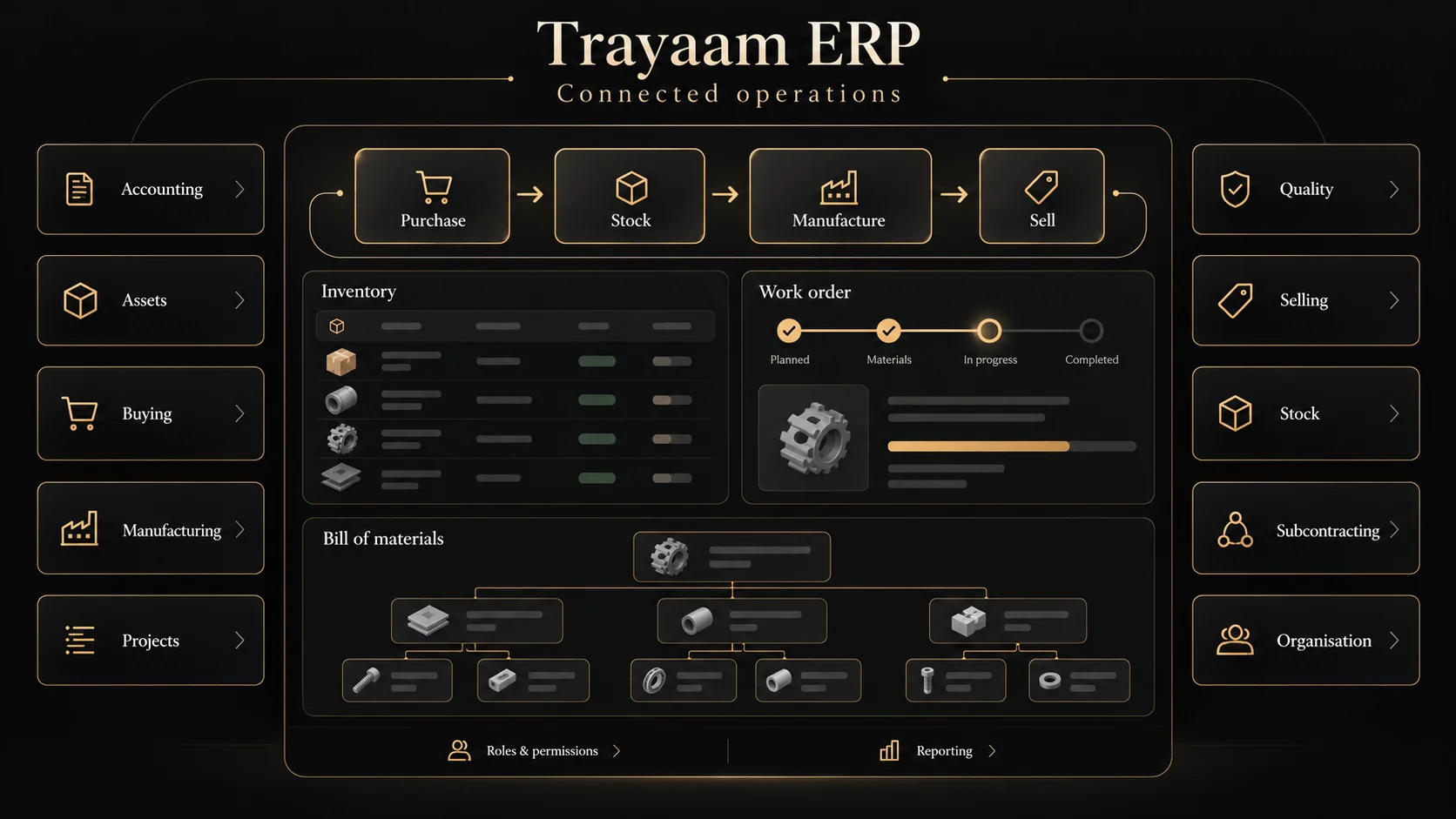
A manufacturing ERP needs to connect the material, the work and the order. Our ERPNext implementation brings these operational areas into one workspace, with a manufacturing overview that makes work orders, bills of materials and planning tools easy to find.
Start with the operational chain.
The implementation centres on manufacturing and stock, with buying, selling, accounting, assets, projects, quality and subcontracting available as connected modules. The manufacturing workspace is the focus of this walkthrough. Each rollout defines which modules, users and operational handovers belong in the first release.
Configure the platform before adding custom software.
We used ERPNext as the operational foundation instead of rebuilding standard ERP functions from scratch. This creates a clear boundary between platform capabilities, business-specific configuration and any custom development a later requirement might justify. A new engagement starts by checking that fit, not by assuming custom code is the answer.
Make manufacturing tasks discoverable.
The manufacturing workspace groups production tools, bills of materials, subcontracting, reports and setup. Work orders, production plans, stock entries and job cards sit beside material-planning and reporting routes. This structure gives teams a practical starting point for discussing the records, responsibilities and handovers involved in their own operation.
Treat migration and access as part of the work.
For a production rollout we agree item and supplier mappings, opening records, user roles and acceptance scenarios before cutover. A representative trial import and workflow rehearsal establish what passes, what needs correction and how to recover. The release plan brings these checks together with team training and handover.
The workflow, at a glance.
- 01
Plan
Define the item, bill of materials and operational requirements.
- 02
Produce
Follow the work-order, job-card and stock-entry workflow.
- 03
Review
Check reporting and handovers against agreed acceptance scenarios.
The result and the next step.
The demonstrated result is a connected ERPNext workspace with a manufacturing module structure that can be walked through and scoped against a business brief. The overview makes production tools, materials, stock and reporting discoverable from a shared operational starting point. Customer records remain private.
For your business, the next step is a workflow review: decide the first modules, identify data owners and agree how the first release will be accepted.
ERPNext implementation services →